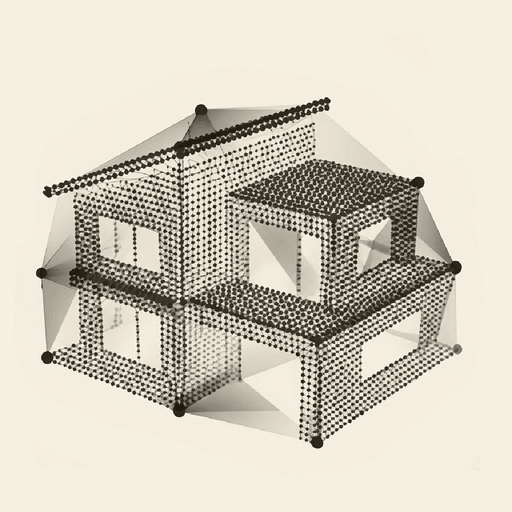
A capture app,
not a production studio.
Dalim guides the agent room by room, keeps the capture on the iPhone until upload, then sends it for reconstruction. No manual stitching and no 3D editing is ever asked of the agency.
0
3D settings to work out yourself
Unlimited
User seats, on every plan
15 min
To pick it up on a first property
A virtual tour app for real estate should ask nothing of an agent beyond walking through the property. That is the whole design of Dalim: the app captures and uploads, everything else happens on our servers.
In practice, nobody in the agency opens 3D software, realigns viewpoints by hand, or waits for a render to finish on their machine. You capture, you upload, you share a link.
From install to a shared link.
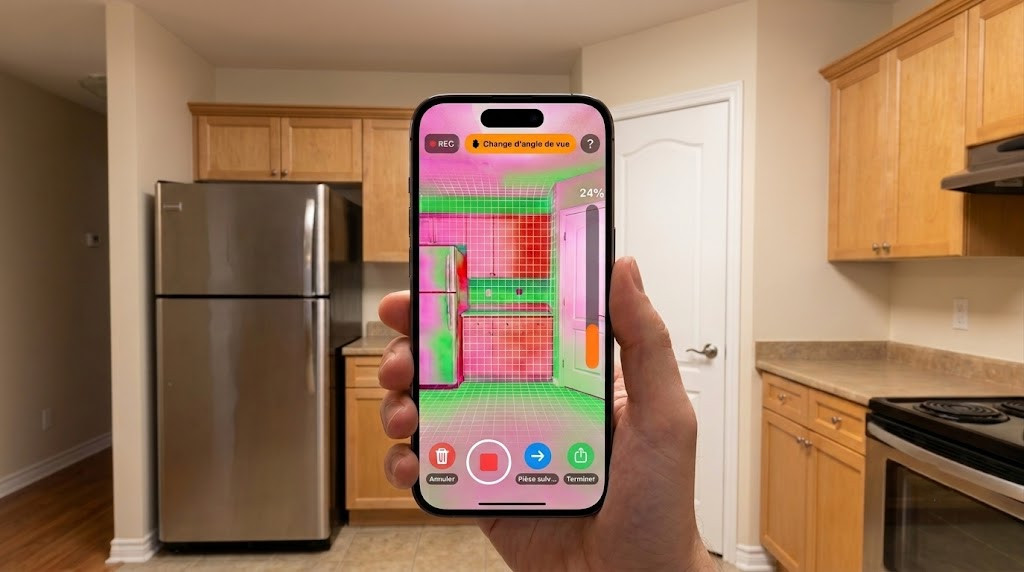 01Dalim iOS app
Guided capture
The app shows the path to follow and tracks progress room by room. You see on screen what has been recorded and what is still missing.
 02Direct upload
Upload when it suits you
Every scan stays saved in the app. Upload right after the capture or later, back at the office on a comfortable connection.
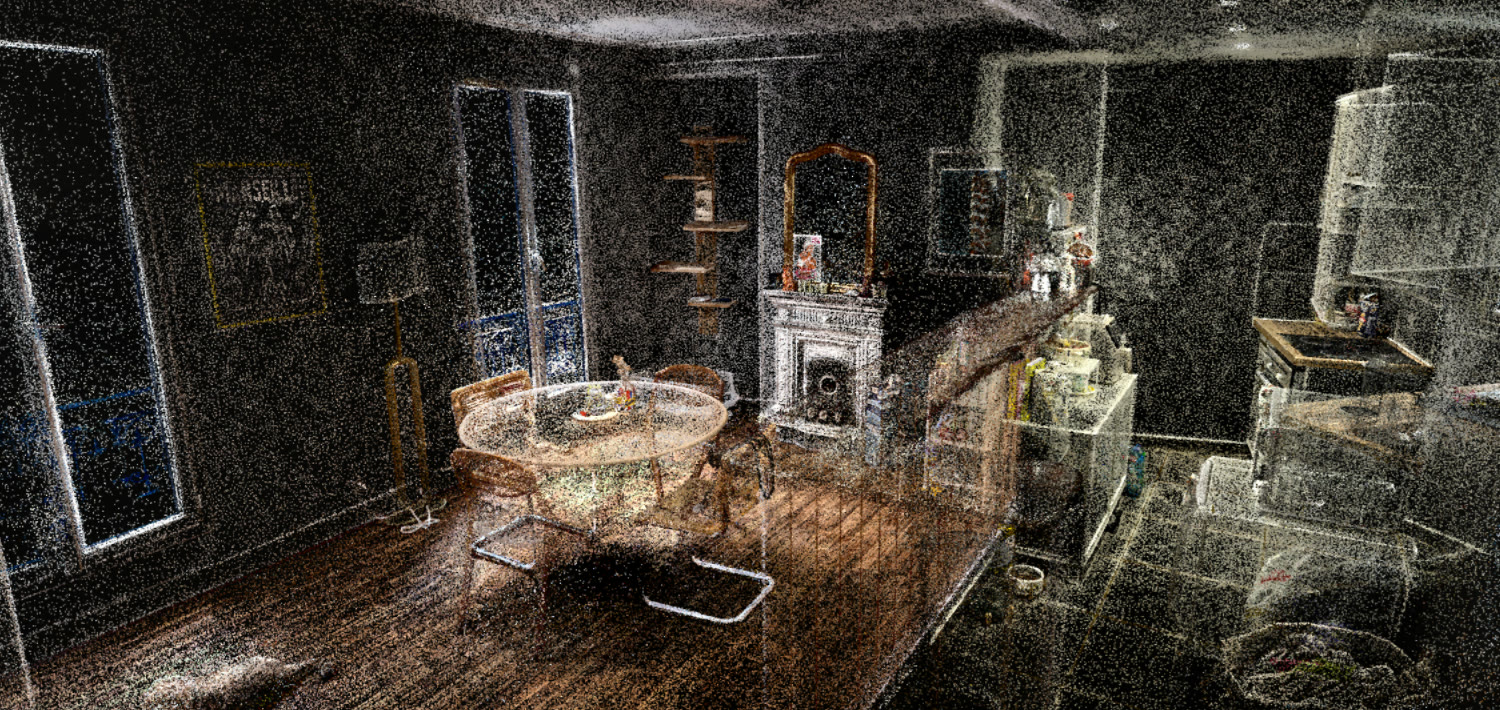 033D reconstruction
Processing on our servers
Reconstruction happens on our side. Nothing to install, no workstation tied up, no setting to understand.
 04The tour, live
Publish and follow up
The tour gets its address. The lead capture form and tour statistics are included on every plan.
The whole team captures, not one champion.
User seats are unlimited on every plan. So there is no arithmetic to do about who in the agency deserves access: everyone has it, from the first tier.
That is deliberate. A tool that depends on one trained person stops existing the day they take leave. Billing is not tied to captures either, but to published tours: scanning a property just to see how it comes out costs nothing.
What you need to capture.
Supported
- iPhone Pro and Pro Max, 12 Pro onwardsThese are the models carrying the LiDAR sensor used to measure depth during capture.
- A recent model, ideallyThe newer the device, the more comfortable capture feels in larger properties.
Not supported
- Non-Pro iPhone modelsStandard models carry no LiDAR sensor, whatever their year.
- iPhone 11 and earlierReleased before the sensor arrived on the Pro line.
- AndroidThe capture app exists on iOS only at this stage.
This requirement applies to the device doing the capture. A buyer needs nothing special: the tour opens from a link on a phone, tablet, PC or compatible Mac, whatever system they run.
What a capture on an iPhone gives you.
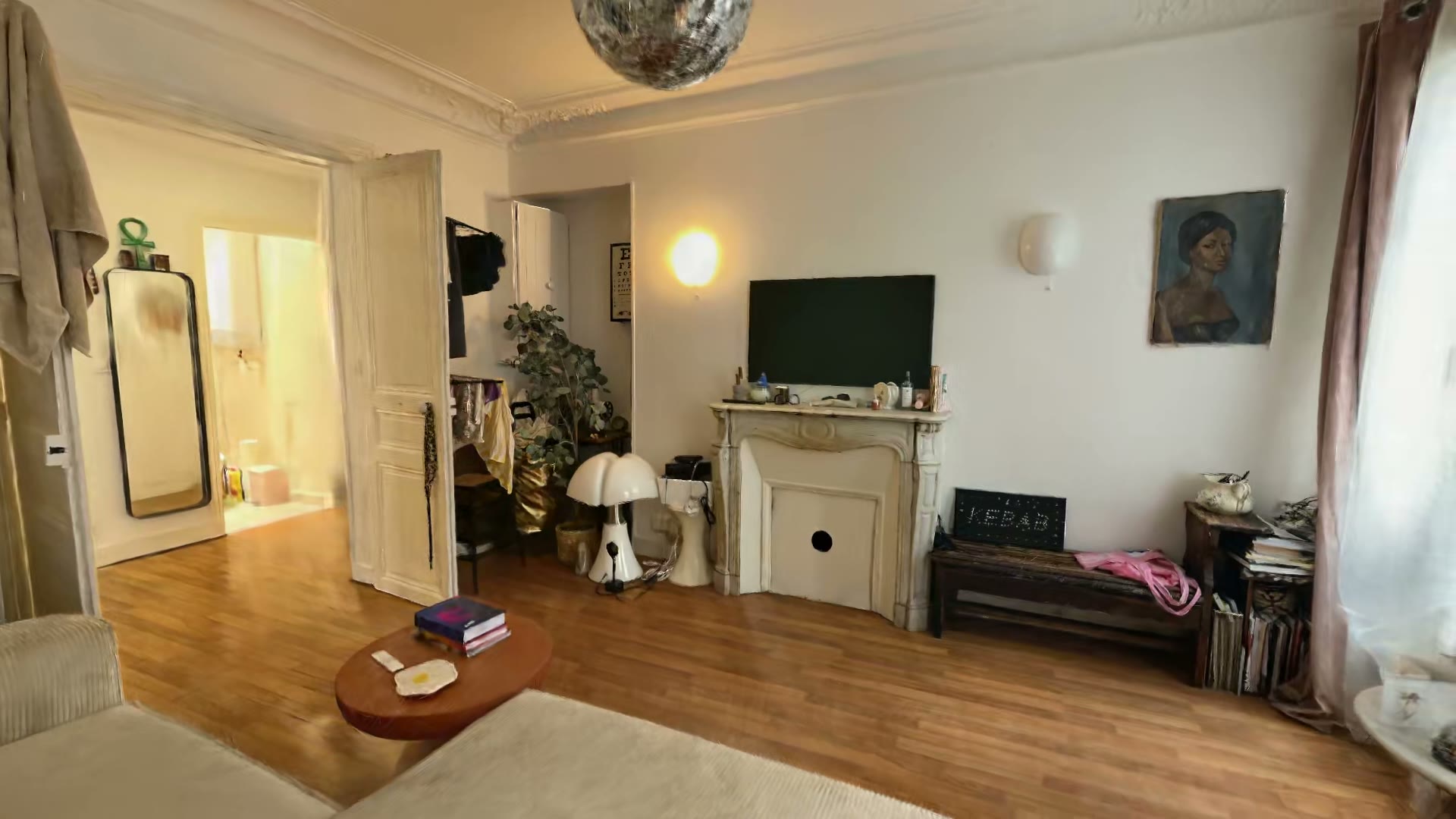
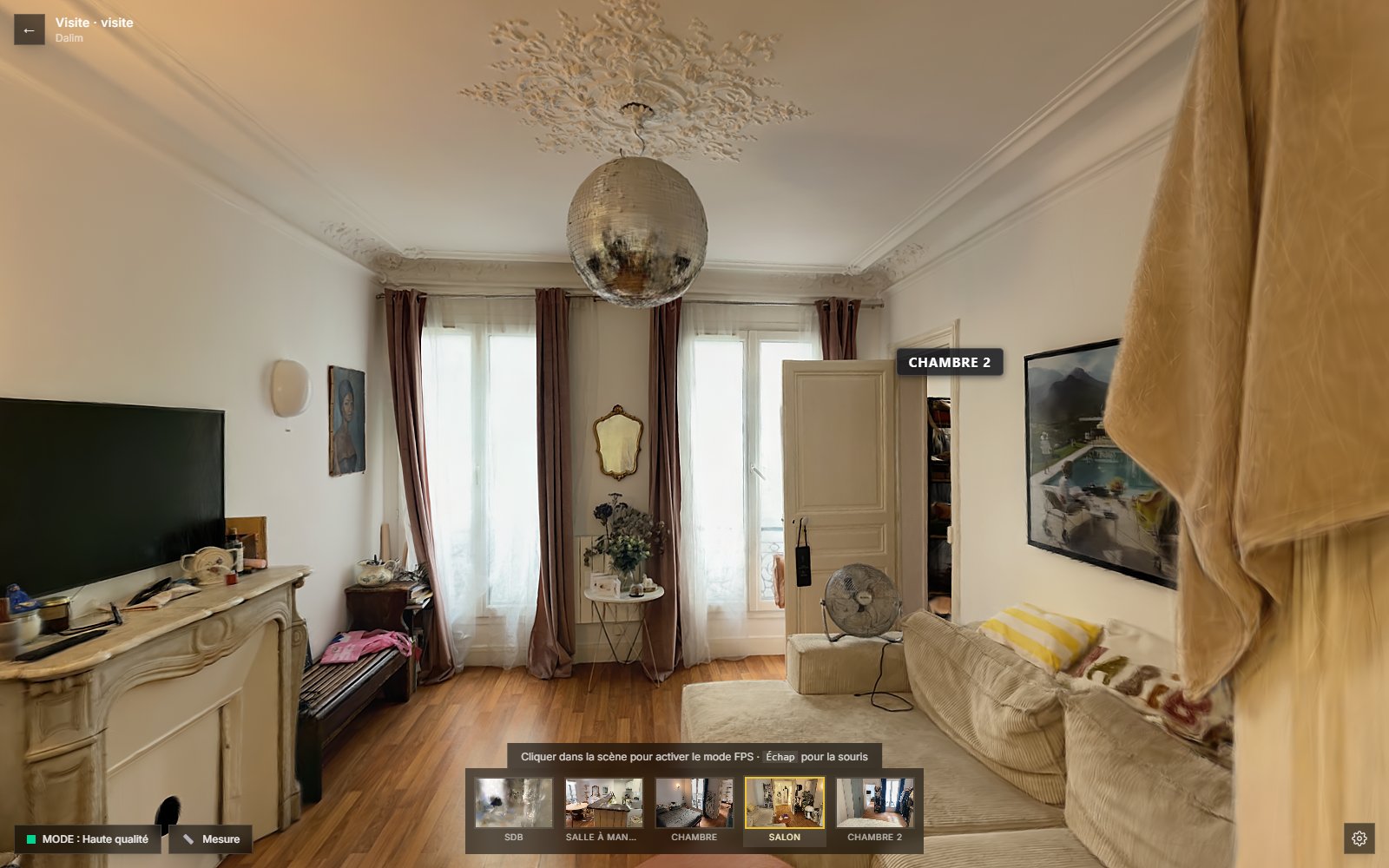
The sample tour comes from a real flat, captured with the app. It is the best way to judge what the workflow above actually produces.
How is the app installed?
Access opens in waves, a few agencies at a time. Once your agency is selected, you receive installation instructions and your seats. There is no hardware to order, no technical configuration to run, and no server or software to install on the agency side. The only hardware condition concerns the iPhones used for capture.
Which iPhone models are supported?
iPhone Pro and Pro Max models from the iPhone 12 Pro onwards, ideally a recent one. These carry the LiDAR sensor needed for depth measurement. An iPhone 11 or a non-Pro model cannot capture, although it displays an existing tour perfectly well when an agent shares one.
Is there an Android version?
No, the capture app exists on iOS only today. The constraint comes from the depth sensor used during scanning, which is not equally accessible across ecosystems. Viewing tours does not depend on any system at all: a buyer on Android opens the link exactly like everyone else, with nothing to install.
Do I need a connection while scanning?
No. The capture is written to the phone and stays there until upload. You can scan a basement, a poorly covered ground floor or a property with no usable signal, then send it later from the office. It also avoids leaving an agent stuck watching a progress bar while still at the seller's home.
Can we capture several properties in a day?
Yes, and nothing counts them. Each scan stays stored in the app until it is uploaded, so you can run a full round of captures and send them all in the evening. Billing is based on the number of tours published online at the same time, which makes scanning without publishing entirely free.
How many people can use the app?
As many as you want: user seats are unlimited on every plan, including the first. Billing is based on the number of tours published online at once, not on users and not on captures. An agency of ten agents pays the same as a sole trader with a comparable portfolio of live listings.
Do agents need training?
Capture is guided room by room and is picked up on a first property. There is no 3D software to learn, because the agency never opens a reconstruction tool: it captures, it uploads, it shares a link. What is actually learned is the movement, walking calmly and circling each room, and that comes by the second capture.
What happens after upload?
Reconstruction runs on our servers with no input from you. The target for going live is under four business hours from receiving a compliant capture. That is a service objective rather than a contractual guarantee with penalties: real turnaround depends on volume, property size and capture conditions.
Put the app
in your team's hands.
Access opens in waves, a few agencies at a time, so that each one starts with support rather than being left to work it out alone.